PPT2VideoFrom PPT to video, 3 steps
From PPT to video, 3 steps

Turn your PPT
into a narrated video

Read the PPT notes; choose voice and music; set transitions, intro and outro, then export an MP4.

PresenterPick any of 6
PPT2Video / How it works
01 / Parse

Upload the PPT
read the notes

Use .ppt or .pptx. For special fonts, also upload a PDF. Notes on each slide are the narration. Polyphones can be marked with a homophone.

02 / Voice

Voice and
music

A cartoon presenter is available. Voices include children, male and female, regional dialects, Cantonese, Taiwan Mandarin, Japanese, Korean, and English. Set speed, pitch, and volume. Four built-in tracks, or upload your own.

03 / Export

Export the
video

Choose subtitles and the font. Pick a transition. Insert more than one intro or outro. Choose 720p, 1080p, or 4K, pick a save location, then export.

PPT2VIDEO · WORKSPACEThis file
STEP 1 / 3

Parse the PPT

1 Parse2 Voice3 Export
PPTXUpload PPTX

Reads notes and slide pictures

PDFAdd a PDF (optional)

A PDF keeps special fonts in place

PPT case.pptx19 slides · PPTX
01
Replace
Notes for slide 1
02
Replace
Notes for slide 2
03
Replace
No notes. This slide stays for 2 seconds.
STEP 2 / 3

Voice

1 Parse2 Voice3 Export
Voice
Xiaoxiao (warm, female) Xiaoyi (bright, female) HiuMaan (Cantonese, female) Aria (UK, female)
Music
No music Business Upload
Presenter
Staff 1 Child Male staff Expert

Voice

Voice: Xiaoxiao (warm, female). Speed 0, pitch 0, volume 0.

Preview
Mandarin
Xiaoxiao (warm, female) Xiaoyi (bright, female) Yunxi (young, male)
Dialects
Xiaobei (Northeastern) HsiaoChen (Taiwan, female) HiuMaan (Cantonese, female)
Other languages
Nanami (Japanese, female) SunHi (Korean, female) Aria (UK, female)
Speed 0
Pitch 0
Volume 0
Music
No music Business Upload
Volume 16%

Presenter

Staff 1 follows the narration. Gestures are random.

Show
01
Staff 1 Child Male staff Expert Teacher Staff 2

Drag to move the presenter.

STEP 3 / 3

Export

1 Parse2 Voice3 Export
Intro and outro
Intro.mp4 Intro Outro
Subtitles, transition, size
Source Han Sans Fade 1080p
Render MP4

Intro and outro

Intro.mp4 IntroOutro Remove
Add video

Subtitles

Show subtitles
Subtitle font
Source Han Sans Source Han Serif LXGW WenKai Smiley Sans Alibaba PuHuiTi DingTalk JinBuTi

Transition

None Fade Fade to black Slide left
Duration 0.5 s

Export

720p1080p4K

Save to

Desktop
Back Render MP4

Three steps.
A PPT becomes a talk

01 / 03
⌁

Parse the PPT

Upload a PPT. The notes are the narration, and you can edit them after upload. For special fonts, also add a PDF.

Upload the file →
02 / 03
✦

Voice and music

Choose a voice and background music, adjust volume and speed, then preview.

Preview →
03 / 03
↗

Export the video

Turn on subtitles, choose a transition and a size, pick a save location, then export.

Export →
Case PreviewReal user cases
Served 1,000+ clients
Cases 01–10
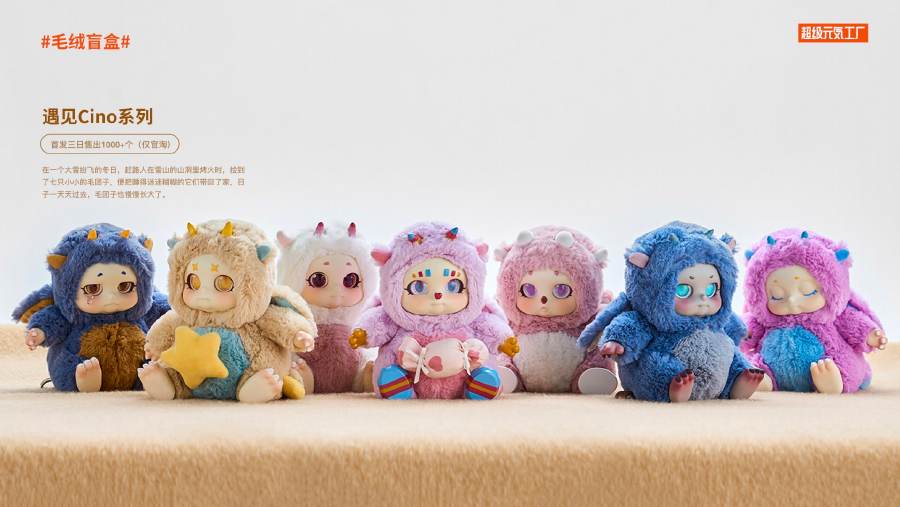
Hotel planHotel planHotel planHotel planHotel plan
Hotel plan01
Brand bookBrand bookBrand bookBrand bookBrand book
Brand book02
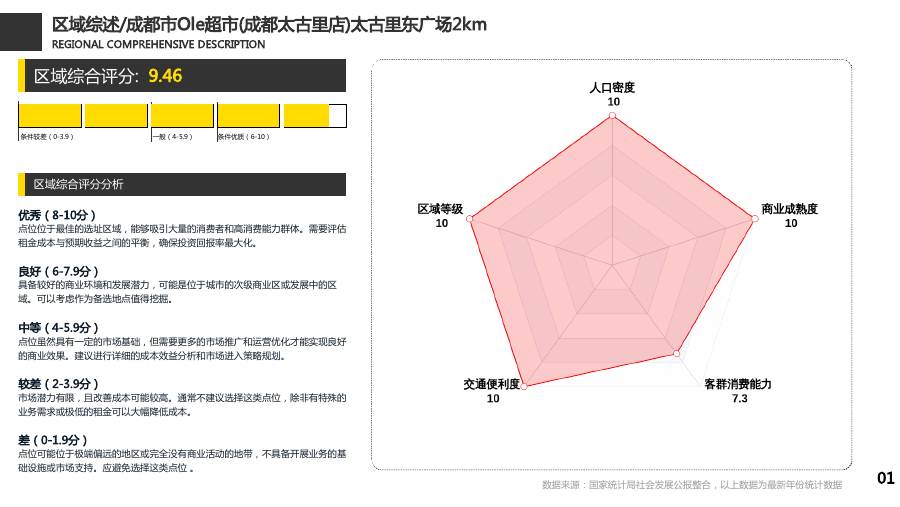
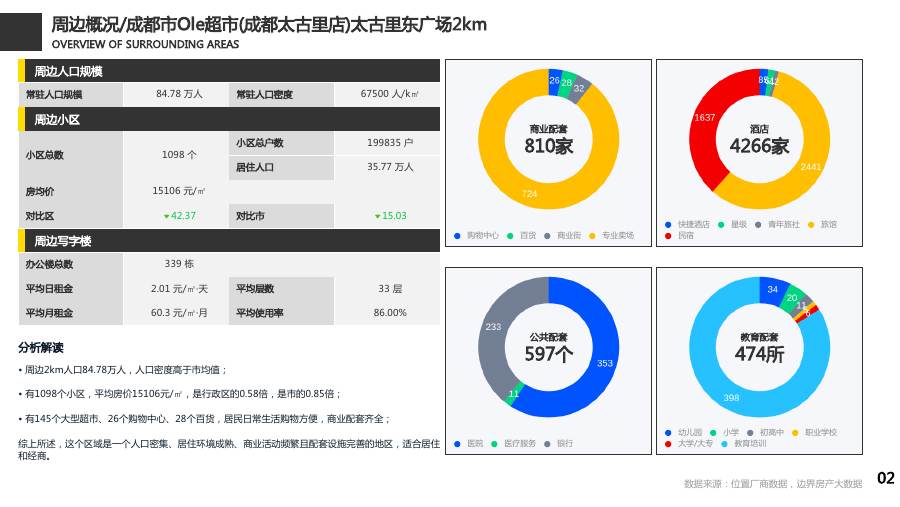
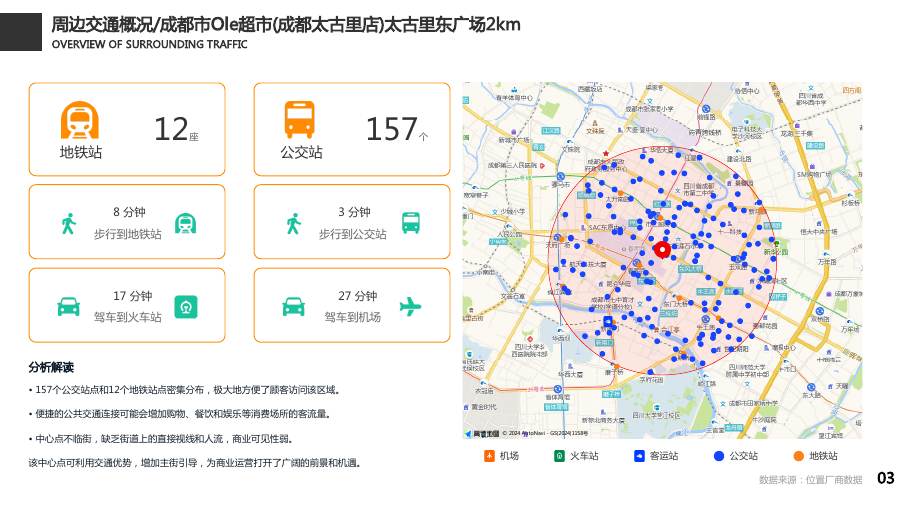
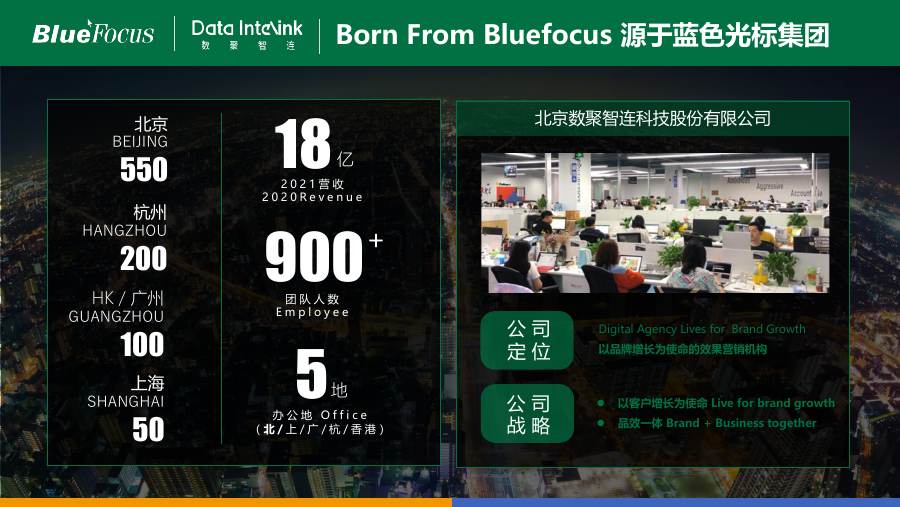
Ole reportOle reportOle reportOle reportOle report
Ole report03
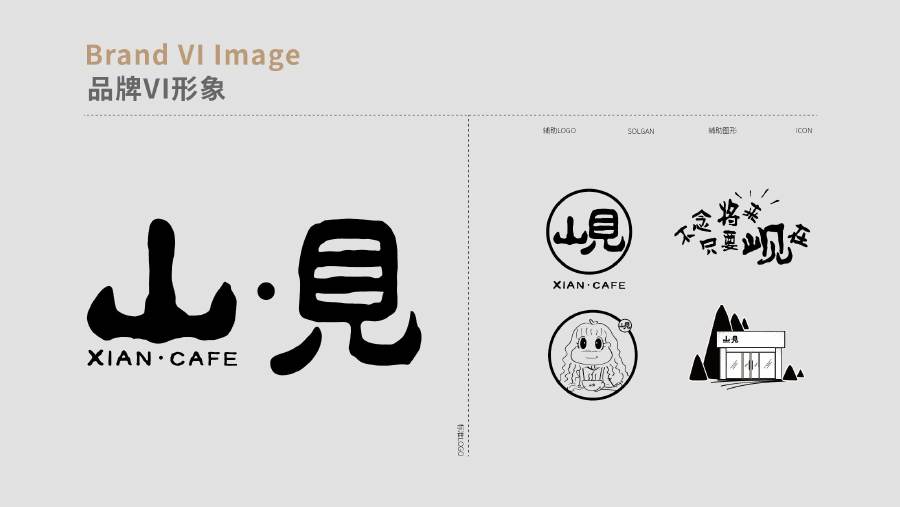
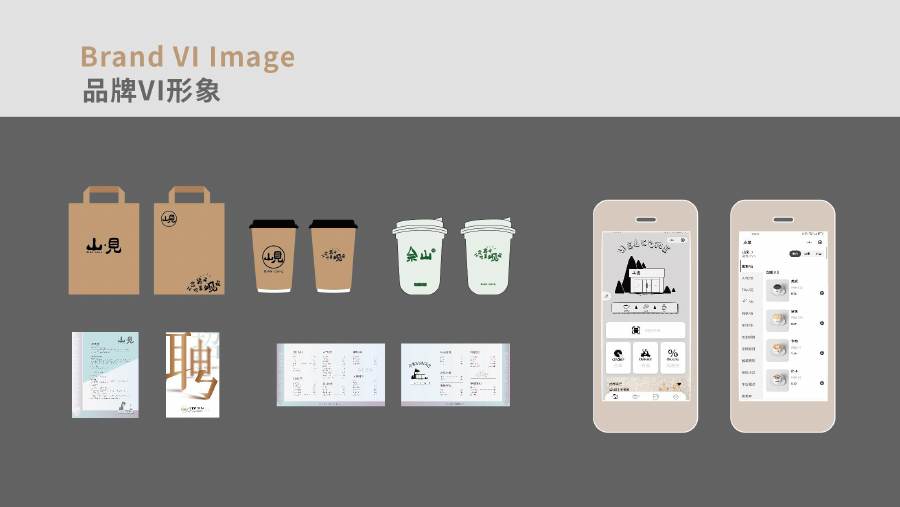
xian cafexian cafexian cafexian cafexian cafe
xian cafe04
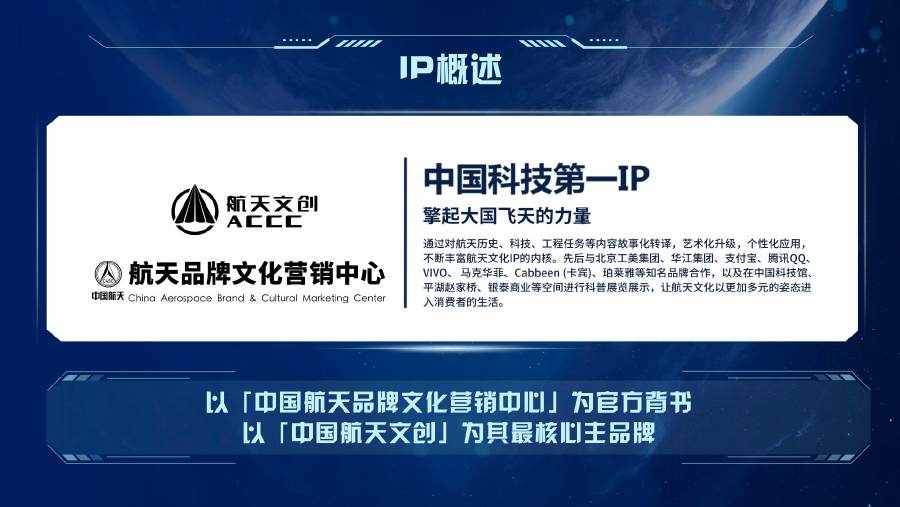
Aerospace creativeAerospace creativeAerospace creativeAerospace creativeAerospace creative
Aerospace creative05
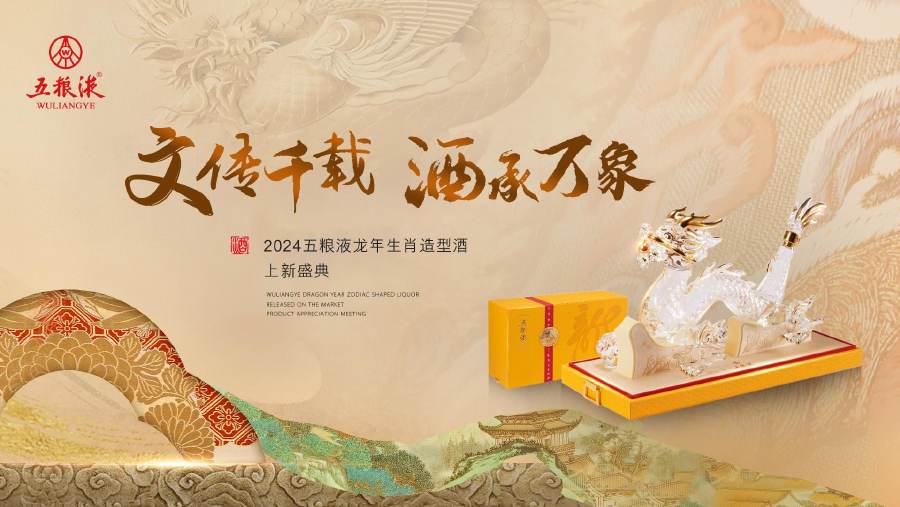
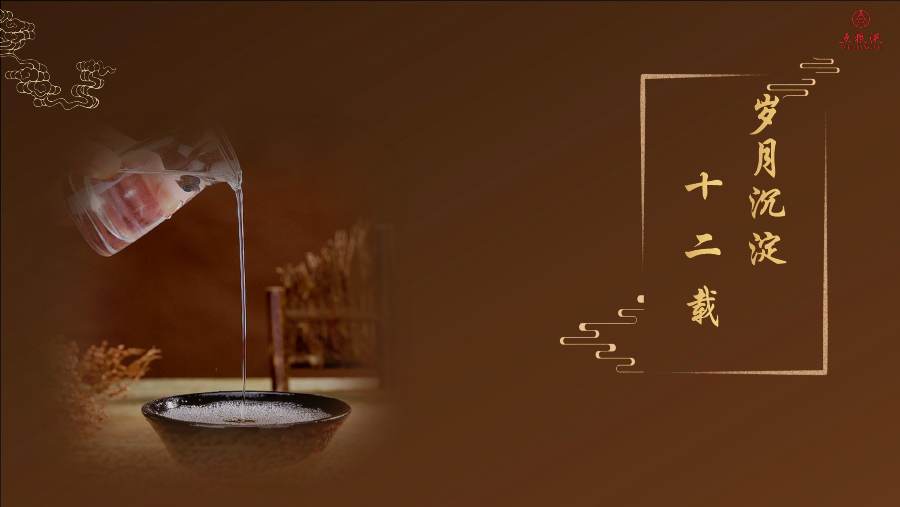
Wuliangye planWuliangye planWuliangye planWuliangye planWuliangye plan
Wuliangye plan06
Bank brand planBank brand planBank brand planBank brand planBank brand plan
Bank brand plan07
Masquerade eventMasquerade eventMasquerade eventMasquerade eventMasquerade event
Masquerade event08
Baheigong planBaheigong planBaheigong planBaheigong planBaheigong plan
Baheigong plan09
Aesthetic clinicAesthetic clinicAesthetic clinicAesthetic clinicAesthetic clinic
Aesthetic clinic10
Cases 11–20
Tusen brandTusen brandTusen brandTusen brandTusen brand
Tusen brand11
Tech profileTech profileTech profileTech profileTech profile
Tech profile12
Company profileCompany profileCompany profileCompany profileCompany profile
Company profile13
Starbucks planStarbucks planStarbucks planStarbucks planStarbucks plan
Starbucks plan14
Art hallArt hallArt hallArt hallArt hall
Art hall15
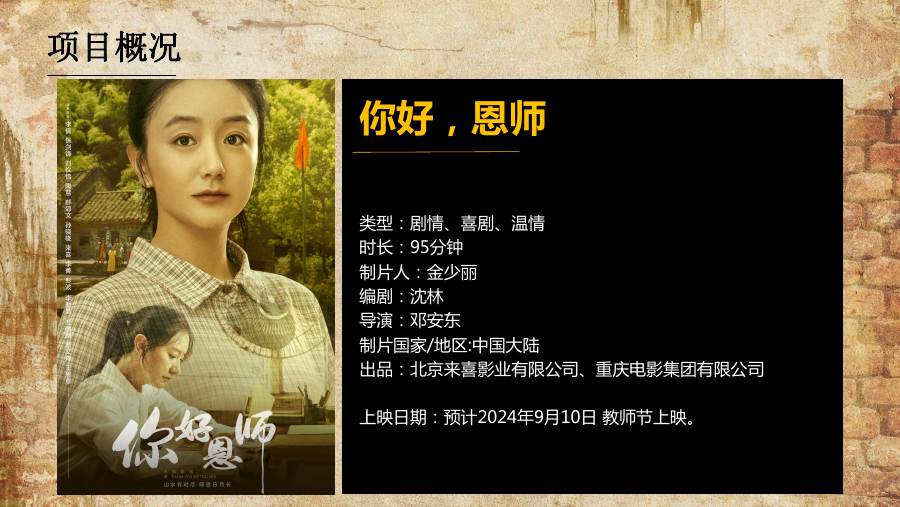
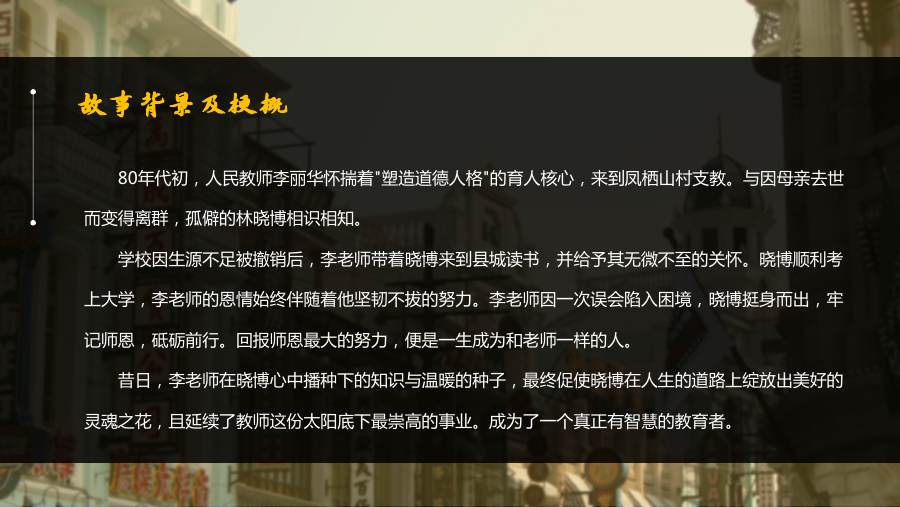
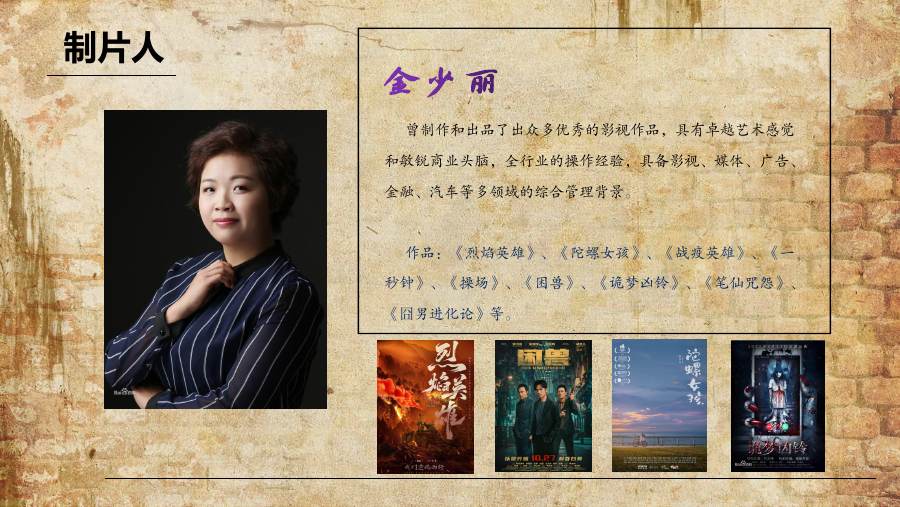
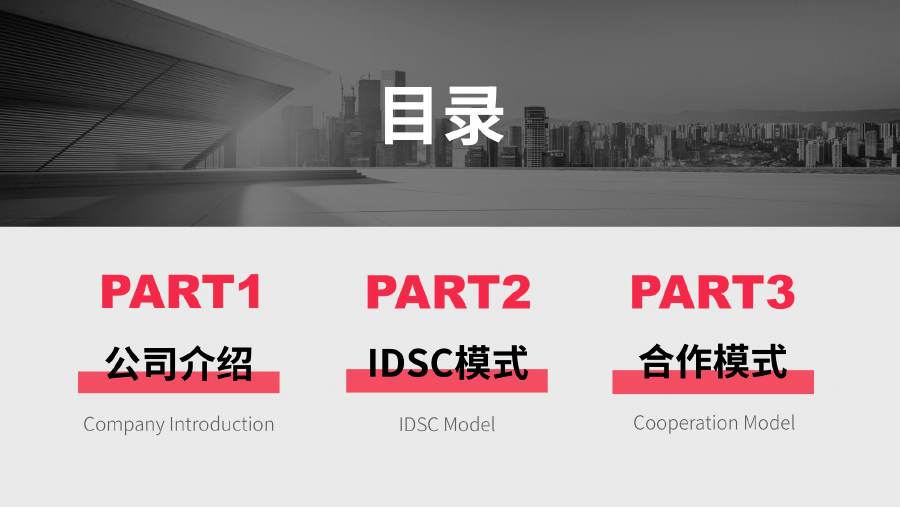
Film introductionFilm introductionFilm introductionFilm introductionFilm introduction
Film introduction16
Gift business planGift business planGift business planGift business planGift business plan
Gift business plan17
Film proposalFilm proposalFilm proposalFilm proposalFilm proposal
Film proposal18
Dining platformDining platformDining platformDining platformDining platform
Dining platform19
Franchise handbookFranchise handbookFranchise handbookFranchise handbookFranchise handbook
Franchise handbook20

Questions

01 / Font

Why are the fonts wrong?

This computer does not have the fonts used in the PPT, so a default font is used instead. Export the PPT as a PDF and upload it. The pictures then follow the fonts in the PDF.

Missing fontPDF
02 / Notes

Can a slide have no notes?

Yes. A slide with no notes stays as a still picture for 2 seconds.

No notes2 seconds
03 / Pages

Must I split one script across slides?

No. Put the full notes on the first slide and leave the later notes empty. Those slides share the first slide’s text.

First slideLeave blank
04 / Sound

What if a word is read wrong?

After the misread character, put the intended sound in {}. The voice reads the text inside {}. The screen still shows the original characters. If 会计 is read as hui计, write 会{快}计.

{}会{快}计
05 / Video

Can one slide be a video?

Yes. After the PPT is parsed, click Replace on a slide that should play a video. That video is included in the finished presentation.

ReplaceOne slide
06 / Presenter

Can I add a presenter animation?

Yes. There are 6 built-in cartoon presenters. They animate with the narration. You can change their position and size.

6 charactersAuto motionPlace and size

No more screen recording.
No more recording a talk.

Three steps produce a narrated video with motion, multilingual voice, music, subtitles, and transitions.

Start creating with PPT2Video now.